
Video Storage
Video storage tracks how much recorded video you have stored. Only coach-recorded videos (review walkthroughs, video messages) count toward your limit. Client-uploaded training videos do not count.Storage Limits
| Plan | Included Storage | Add-On Blocks |
|---|---|---|
| Basic | No video | — |
| Pro | 60 minutes | $5/month per 60 min block |
| Expert | 300 minutes | $5/month per 60 min block |
Storage Meter
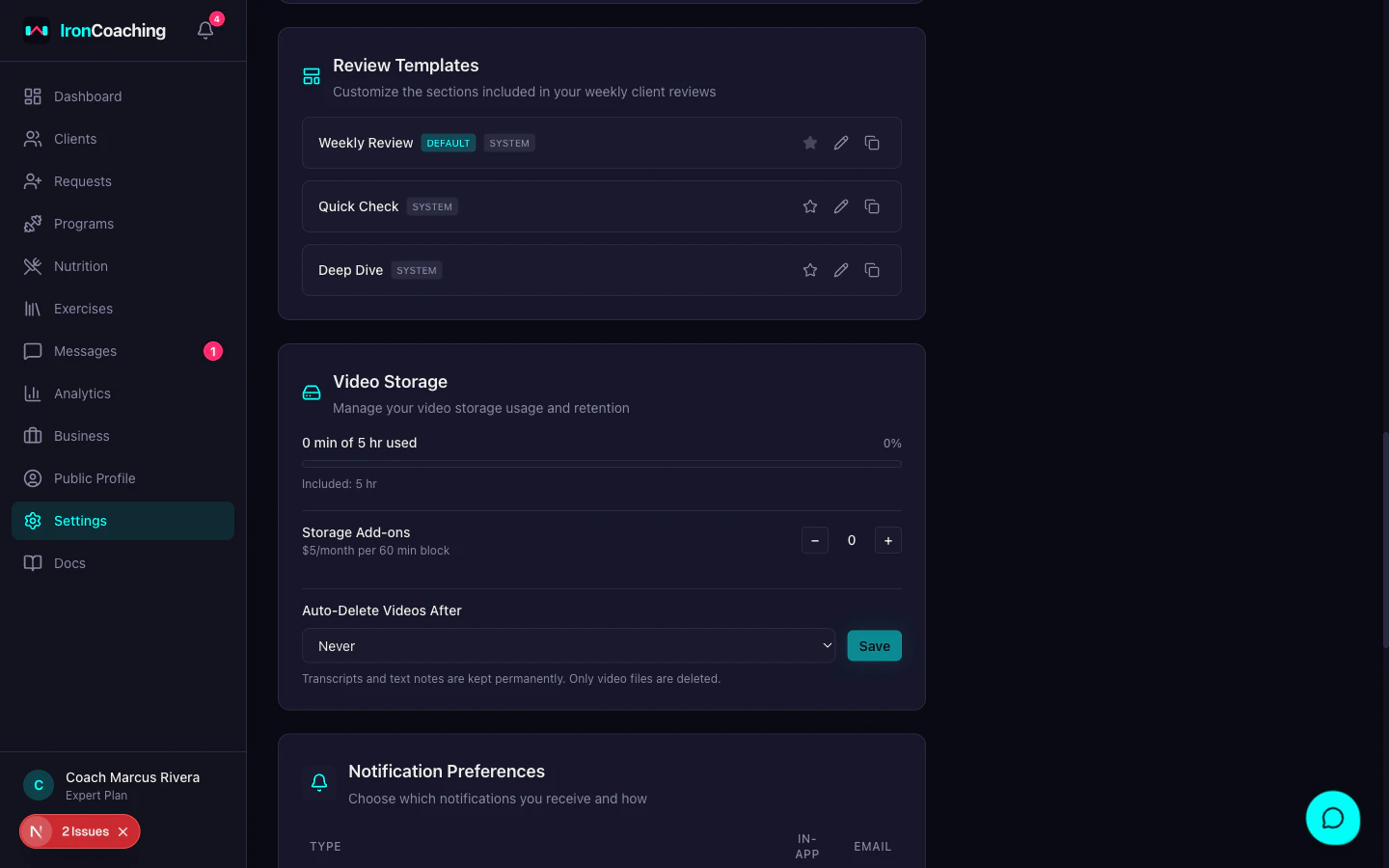
- Minutes used vs total available
- Included storage from your plan
- Any purchased add-on blocks
- Percentage used (turns pink when above 90%)
Add-On Blocks
If you need more storage, purchase additional 60-minute blocks at $5/month each. Add-on blocks are recurring charges added to your existing subscription and can be cancelled at any time.Retention Settings
Control how long videos are kept before automatic deletion:- 3 months — videos older than 3 months are deleted
- 6 months — videos older than 6 months are deleted
- 12 months — videos older than 12 months are deleted
- Never — videos are kept indefinitely (default)
- The video file is removed from storage
- Transcripts, AI summaries, and text notes are kept permanently
- Storage space is freed immediately
What Happens at the Limit
When you reach your storage limit:- Text-only reviews still work normally
- The video recorder shows an upgrade prompt
- Existing videos remain playable
- Purchase an add-on block or delete older videos to free space
Retention cleanup runs daily. You’ll receive an email warning 7 days before auto-deletion.