
Managing Clients
Your client dashboard gives you a comprehensive view of every athlete’s training activity.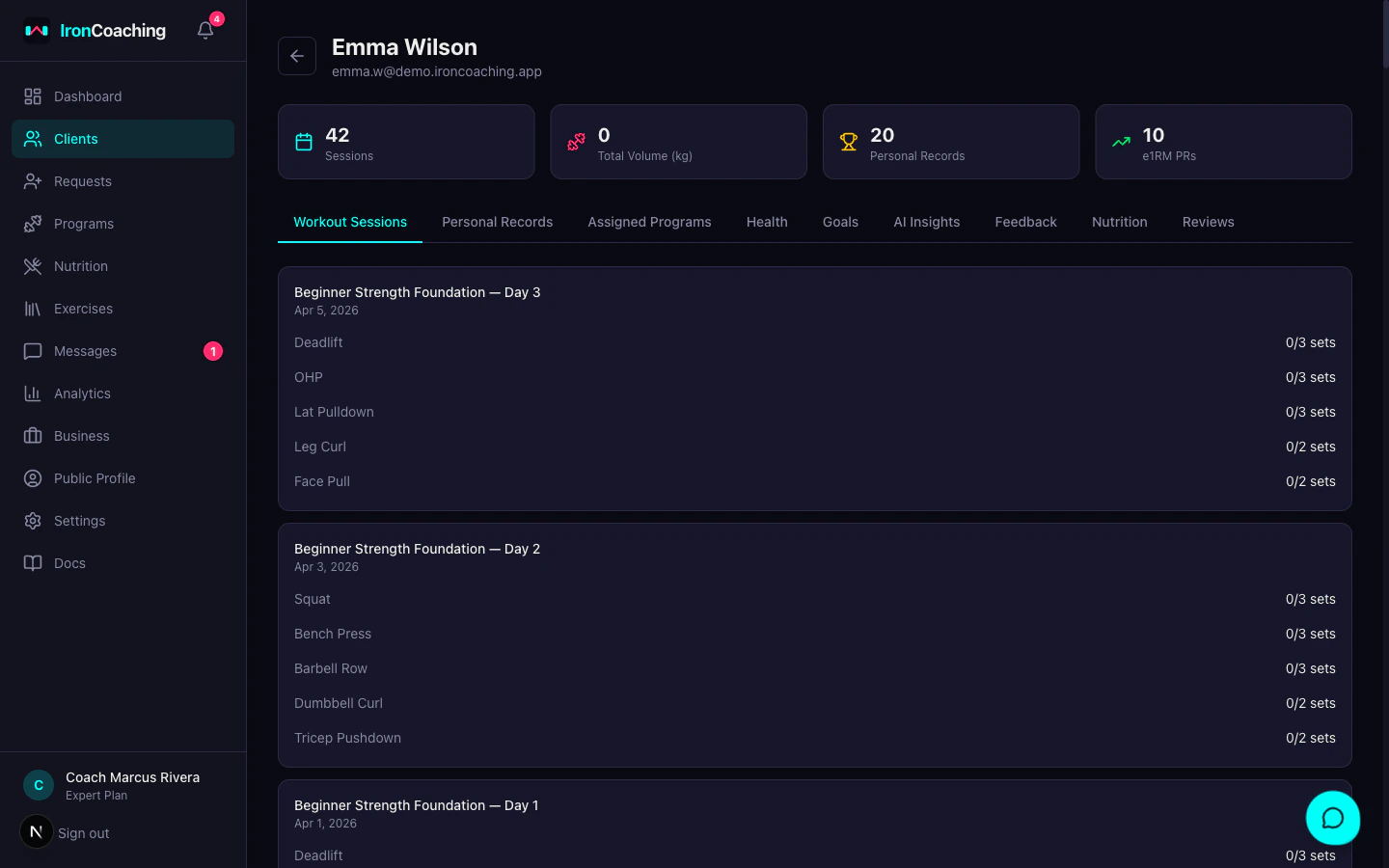
Athlete Profile Basics
Every athlete profile now includes date of birth, timezone, and pronouns. Athletes edit these fields themselves from/client/settings, and coaches see them on the athlete profile header. DOB drives age-based calculations, timezone keeps notifications and check-in deadlines accurate, and pronouns appear in any place the athlete is referenced by name.
Client List
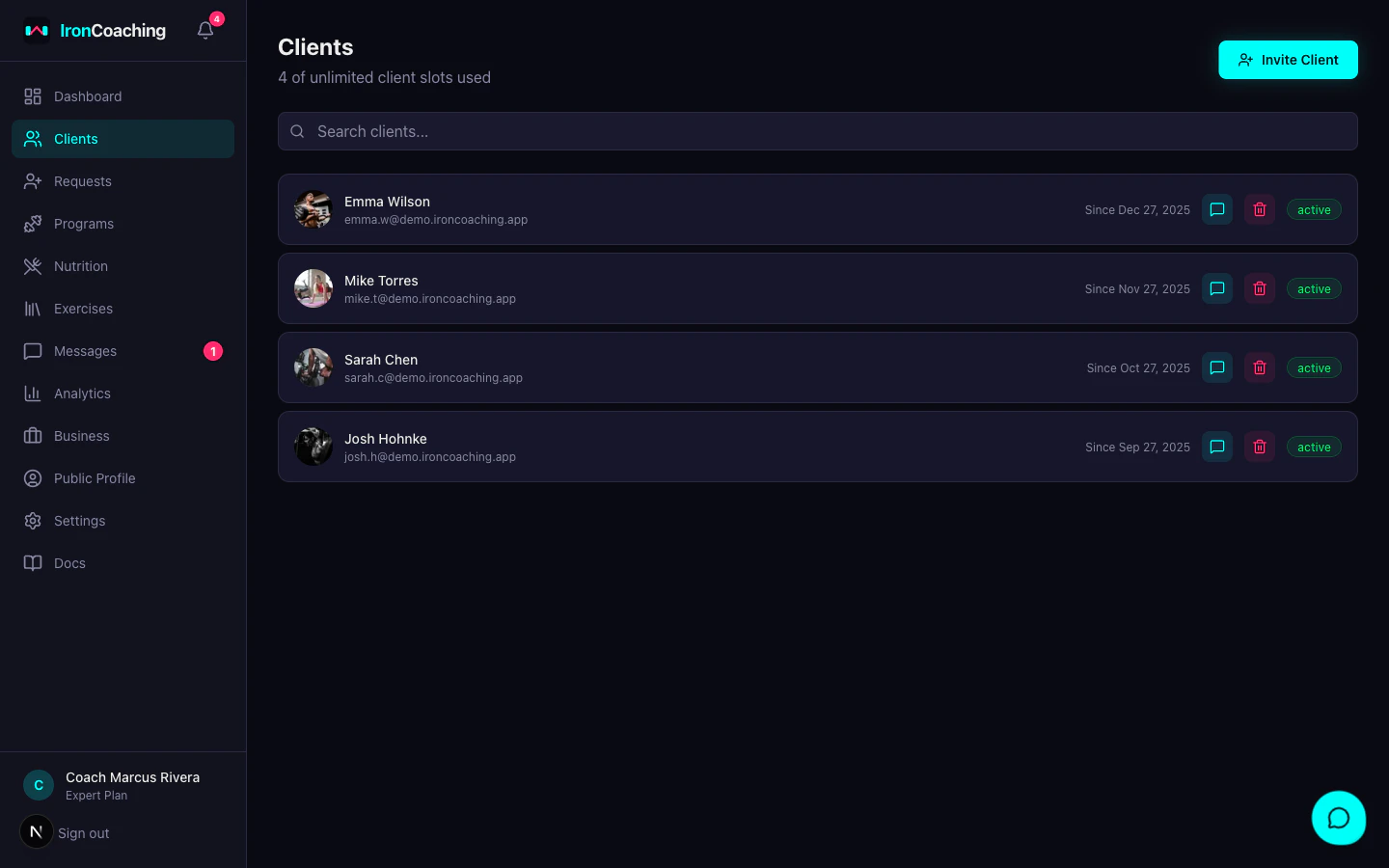
- Name and avatar
- Status (active, pending, paused, ended)
- Last workout date
- Sessions this week
- Compliance status (on track, behind, inactive)
Coaching Yourself
You can add yourself as one of your own clients to follow your own programs and log your own training from the athlete app — handy for testing a program or training alongside your clients. Your self-client behaves like any other client (programs, sessions, history) and doesn’t count against your client limit.Client Detail View
Click on any athlete to see their full profile:Workout Sessions
The Workout Sessions tab shows every session an athlete has logged in IronLedger.- Week-by-week view — sessions are grouped into calendar-week blocks (“Week of …”), newest first, then by program within each week. The most recent week is expanded by default.
- Grouped / Flat toggle — switch between the week blocks and a single newest-first list of every session.
- Last 7 days — a one-tap filter to show only the past week’s training, so you can answer “what did they do last week?” at a glance.
- Per session — exercises, sets, reps, weights, RPE/RIR, completion, and any form-check videos. A Skipped badge marks skipped sessions, and repeated same-day entries are collapsed.
- Add coach notes to any session and mark it as reviewed.
Personal Records
- All-time PRs for each exercise
- PR type: weight, estimated 1RM, volume
- PR timeline showing progression
Activity Feed
- Real-time updates when athletes complete workouts
- Notification of new PRs
- Session compliance alerts
Assigned Programs
- Current and past program assignments
- Start/end dates and notes
Goals (Pro+)
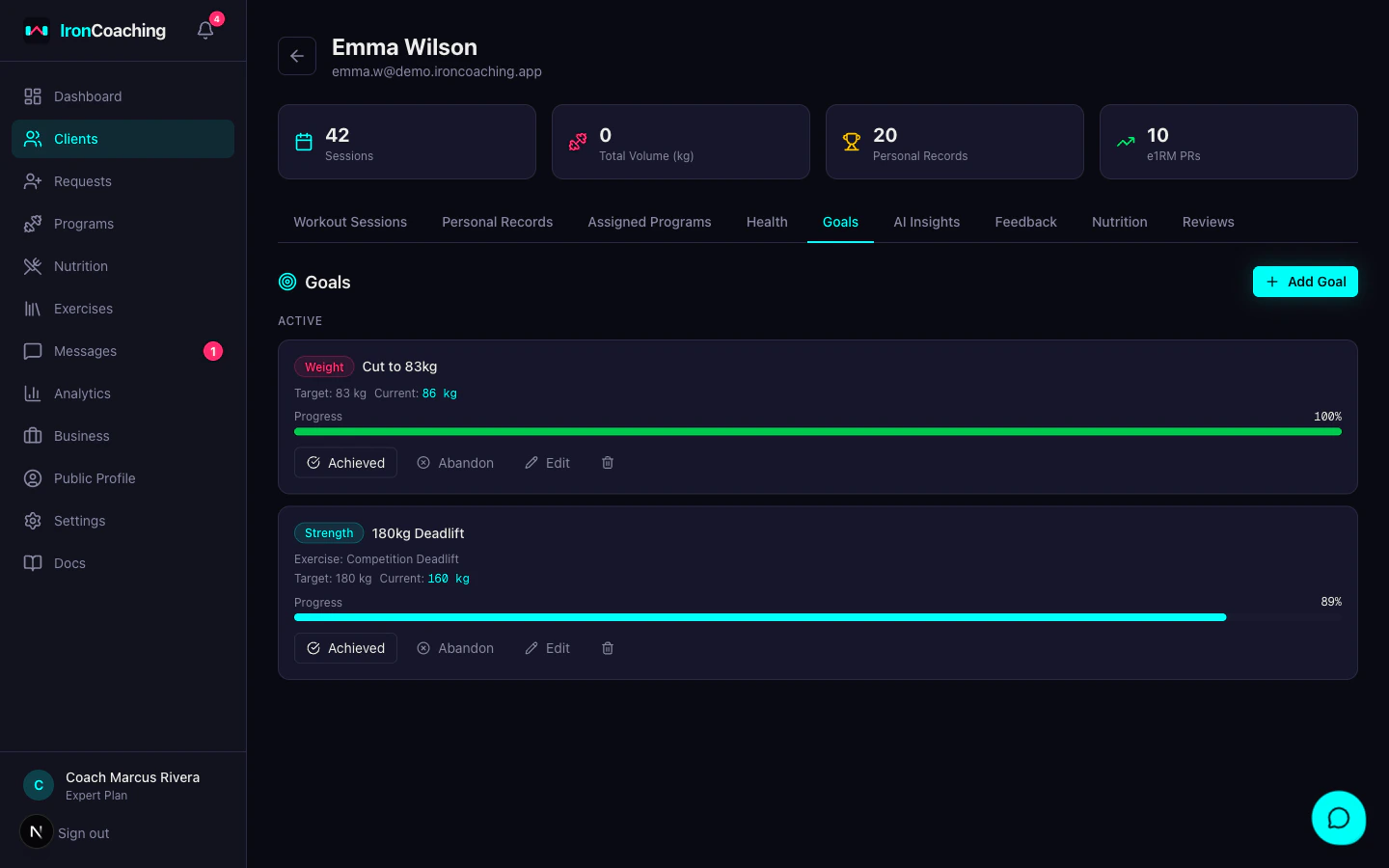
Learn more about Client Goals
Set targets, track progress, and celebrate achievements.
AI Insights (Expert)
Generate AI-powered training analysis specific to this athlete. The per-client AI uses the athlete’s goals and prediction history for more personalized insights.Learn more about AI Insights
Training analysis, program recommendations, PR predictions, and more.
Weekly Reviews (Pro+)
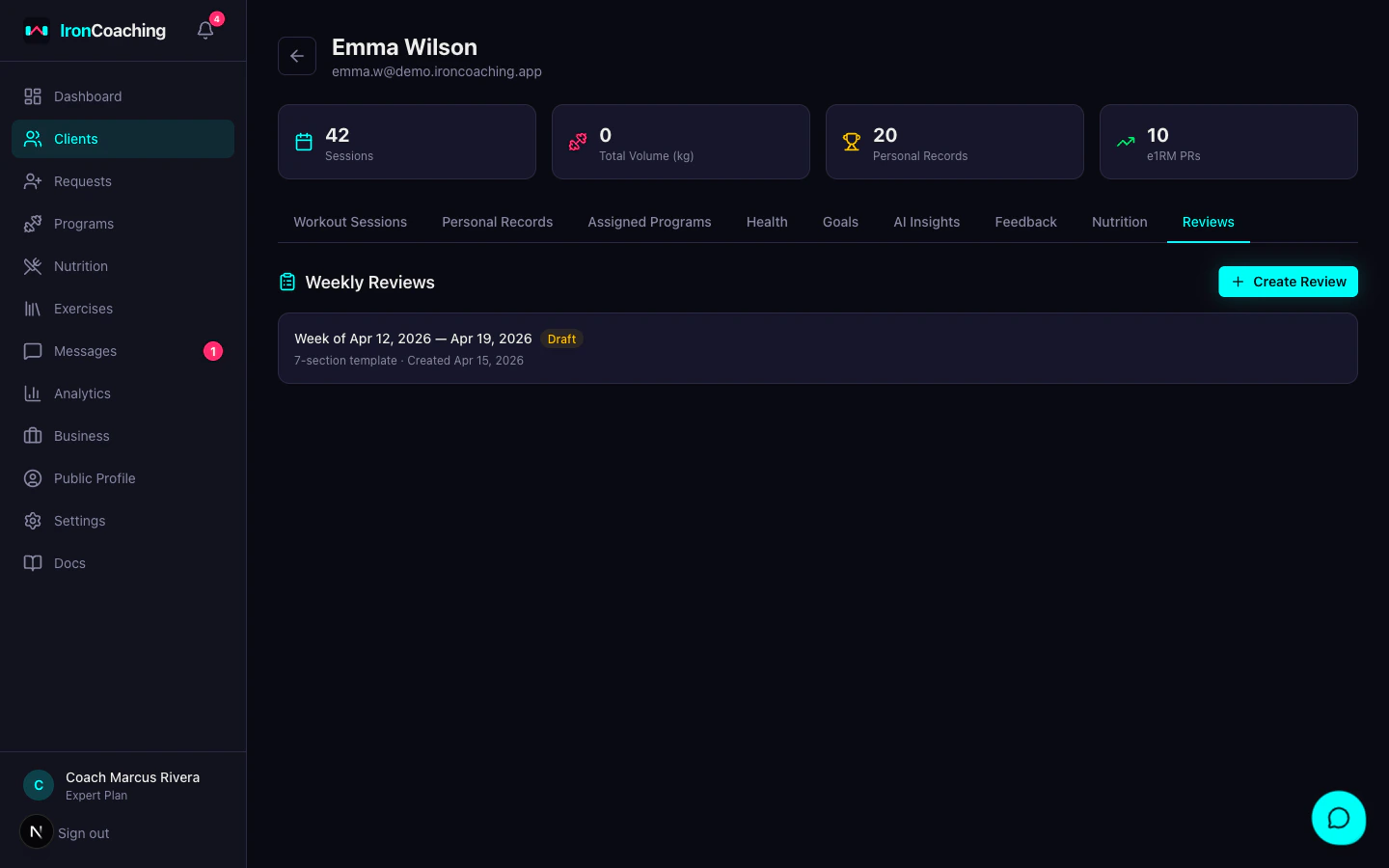
Learn more about Weekly Reviews
Templates, video recorder, AI summaries, and athlete delivery.
Compliance Tracking
The dashboard automatically calculates compliance:| Status | Criteria |
|---|---|
| On Track | Sessions this week meet or exceed expected |
| Behind | Fewer sessions than expected |
| Inactive | No sessions in the last 7 days |
Client Status
Manage the coaching relationship:- Active — normal coaching relationship
- Paused — temporarily paused (athlete keeps access to assigned programs)
- Ended — coaching relationship terminated (athlete loses access to coach-specific features)
Removing Clients
You can remove clients with a 30-day grace period. Removed clients can be restored during the grace period, after which all data is permanently deleted.Learn more about removing clients
Grace period, restoration, and permanent deletion.