AI Insights
Expert plan coaches get access to AI-powered analysis of their athletes’ training data, powered by Claude.
Insight Types
| Type | What It Analyzes |
|---|
| Training Analysis | Reviews recent sessions for patterns, fatigue indicators, and areas of concern |
| Program Recommendations | Suggests adjustments to programming based on athlete progress |
| PR Predictions | Estimates upcoming PRs based on training trends |
| Weekly Summary | Comprehensive overview of the athlete’s training week |
How to Use
Analytics AI Panel
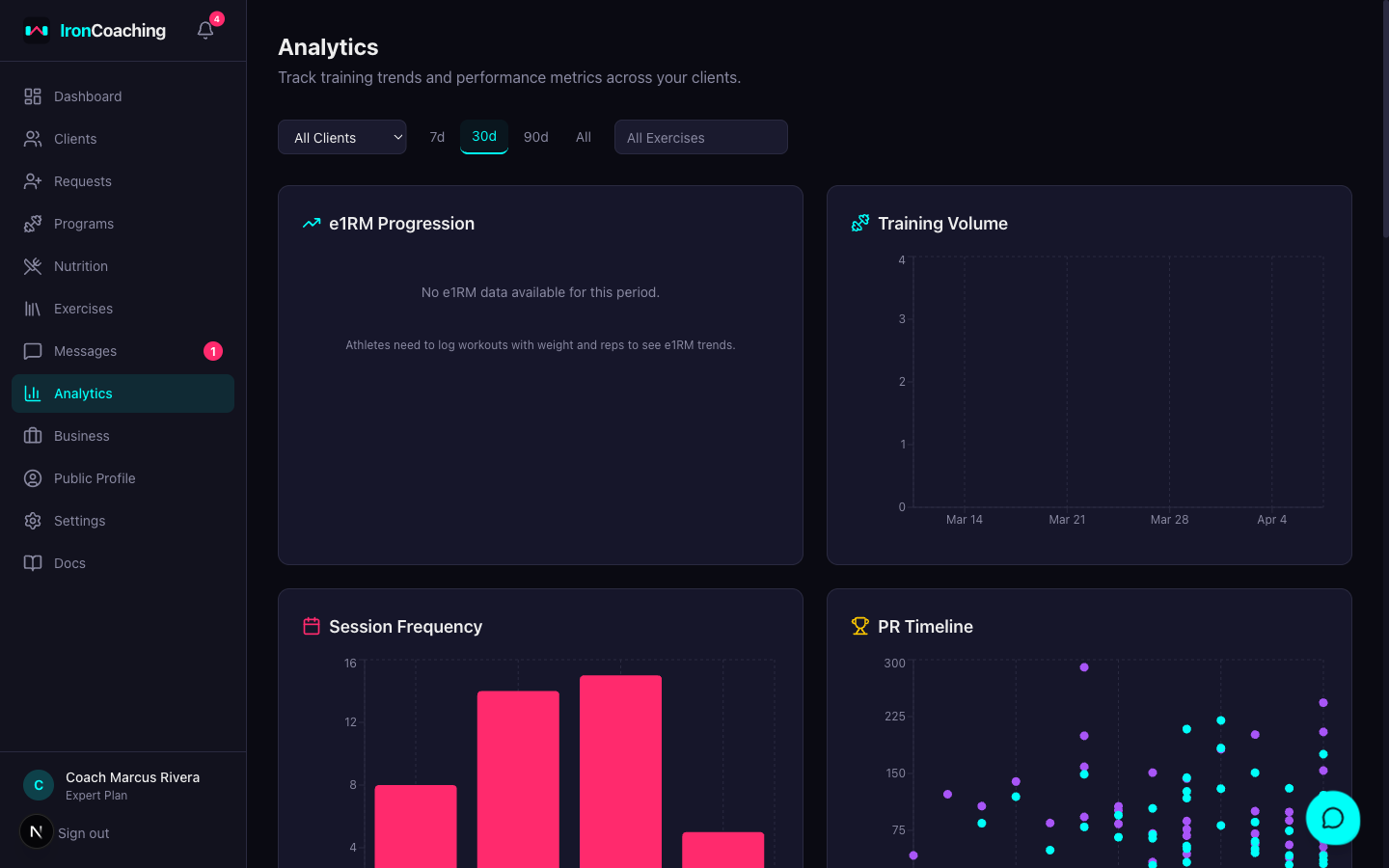
- Go to Dashboard > Analytics
- Select a client and date range
- Click the AI Insights panel
- Select an insight type and click Generate
Per-Client AI Insights
- Go to Dashboard > Clients and open an athlete’s profile
- Click the AI Insights tab
- Select an insight type and click Generate
The per-client view is enriched with the athlete’s active goals and prediction history, producing more personalized analysis.
Rate Limits
- 20 insights per day per coach
- Responses are cached for 24 hours — requesting the same analysis within that window returns the cached version instantly
AI Feedback Loop
You can improve the AI’s output over time:
- After reading an insight, give it a thumbs up or thumbs down
- Optionally add a correction explaining what was wrong or how you’d phrase it differently
- Enable AI Feedback Opt-In in Dashboard > Settings > AI & Privacy
When opted in, your highest-rated insights are used as few-shot examples for future requests, helping the AI learn your coaching style.
PR Predictions
When you generate a PR Predictions insight, the AI outputs structured predictions with:
- Exercise — which lift the prediction is for
- Predicted Value — the estimated e1RM
- Target Date — when the athlete should hit it
- Confidence — how confident the AI is (0–100%)
Predictions are saved automatically and tracked over time.
Prediction Resolution
Once a prediction’s target date passes, the system automatically checks the athlete’s actual PR data:
| Result | Criteria |
|---|
| Hit | Actual value is within 5% of predicted value |
| Missed | Actual value is more than 5% off |
Prediction Dashboard
The Predictions section on the AI Insights tab shows:
- Active Predictions — pending, not yet past target date
- Resolved — total predictions that have been checked
- Hit Rate — percentage of predictions that were accurate
- Average Accuracy — how close predictions are to actuals on average
A per-exercise chart plots predicted (dashed line) vs. actual (solid line) values so you can see how well the AI tracks reality.
Self-Improvement Loop
The AI learns from its own prediction accuracy. When generating new predictions, the system injects:
- How many past predictions were made
- Hit rate and average accuracy percentage
- Whether the AI tends to overestimate or underestimate
This calibration data helps the AI produce more accurate predictions over time. The more predictions you generate and let resolve, the better the AI becomes for that specific athlete.
Generate PR Predictions monthly to build a history. After 3+ resolved predictions, you’ll see meaningful accuracy improvements.
AI Insights requires the Expert plan ($79/mo).
The AI works best with at least 2 weeks of training data. For new athletes, wait until they’ve logged several sessions before generating insights.